BUILD YOUR OWN BOARD.
A printed circuit board (PCB) is the green board that holds every electronics project together. Here are the three free tools we use — and the ones we recommend to anyone who wants to design their own. No experience needed to start.
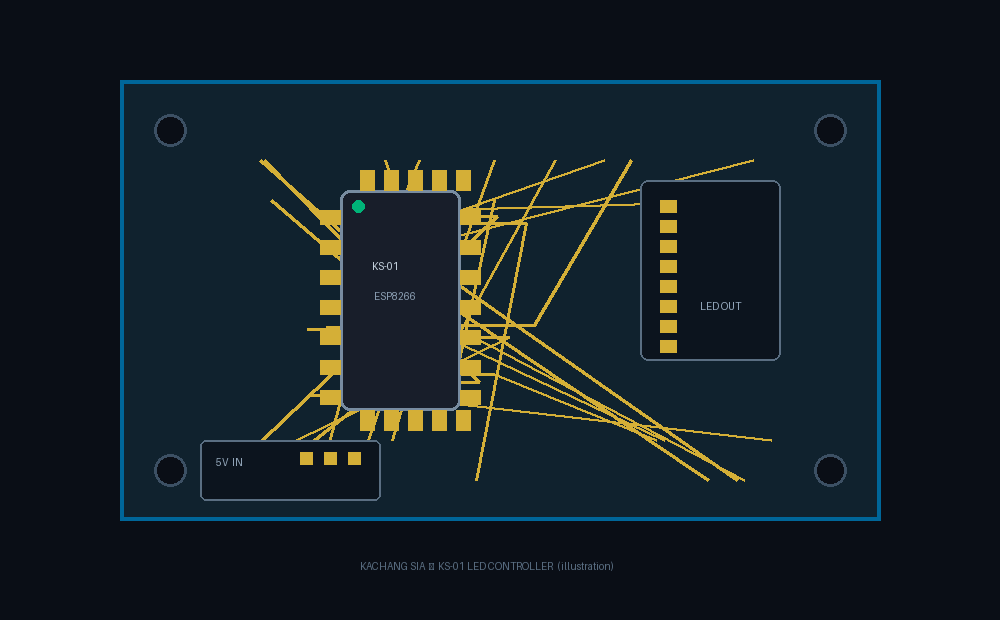
// SEE ANY BOARD
KiCanvas is an interactive viewer for real board designs. You can zoom into the traces, click every part and see what it is. It runs in the browser — nothing to install. We use it on our own projects, and when our Kachang Sia board is ready, you'll see it live right here.
TRY THE LIVE VIEWER ↗// DESIGN YOUR BOARD
EasyEDA is a free designer that runs in your browser — draw the board, then order real ones from JLCPCB from about $2. It's the same workflow we use to turn ideas into hardware. Your design, your board, no lock-in.
OPEN EASYEDA ↗// GO PRO
KiCad is the free professional-grade design tool used by engineers worldwide. It's more powerful — and still free. If you want to go deep into board design, this is the one to learn.
GET KICAD ↗// HOW IT WORKS
Need the code side instead? Our Simulator lets you play with ESP8266 LED patterns live, and our packs include the firmware, wiring diagrams and support.
Tools used on this page: KiCanvas — free & open source (MIT) by Alethea Flowers · KiCad — free software (GPL) · EasyEDA — free online service.
Board illustration above: original Kachang Sia artwork. © 2026 Kachang Sia.